Political Campaign Event Management Software Kenya is most useful when it turns every meeting, town hall and roadshow into a controlled workflow rather than a chain of hurried calls. A Kenyan campaign needs to know who approved an event, which team owns each task, whether the venue is ready, how guests were invited, what issues were raised and what follow-up remains. Software can organise that work, but it cannot replace lawful permits, professional security judgment, venue rules or responsible campaign leadership.
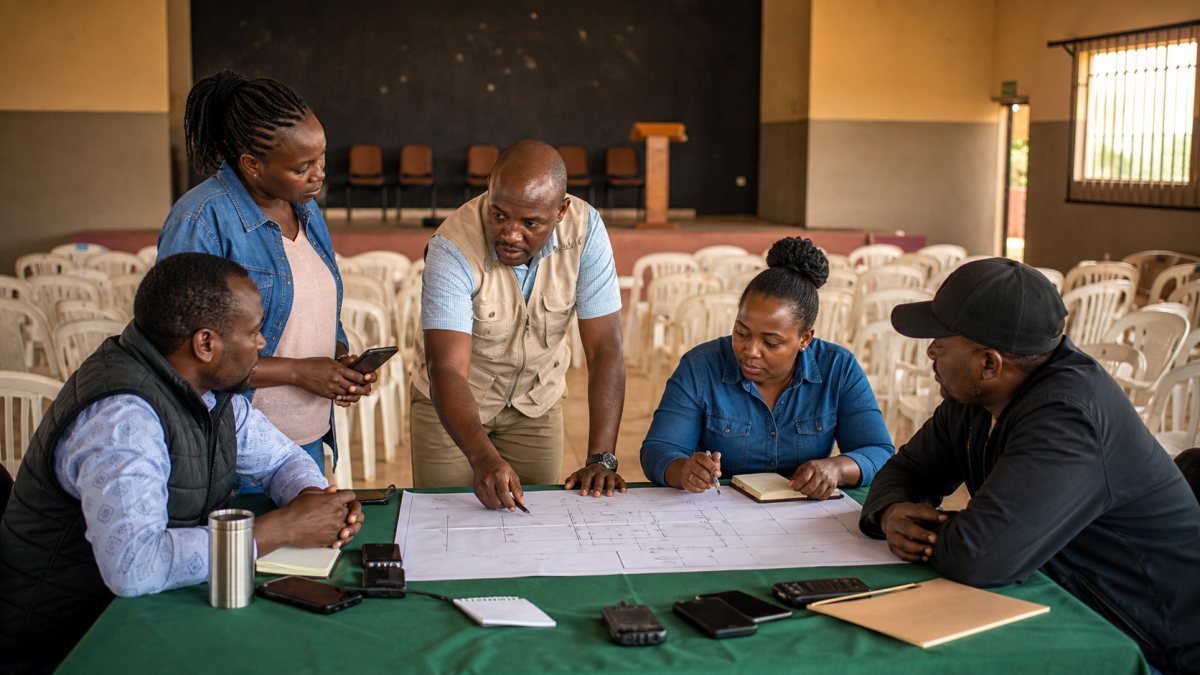
Who needs political campaign event management software?
The direct buyers are usually campaign managers, events directors, mobilisation leads, volunteer coordinators and constituency or ward coordinators. Communications teams need the confirmed facts before announcing a meeting. Finance teams need approved requests and supporting records. Candidate offices need a concise readiness view without taking over every operational task.
The need changes with the race. An MCA team may coordinate small estate, village and market meetings. An MP team may run simultaneous ward activities. Countywide campaigns for governor, senator or Woman Representative need constituency coordinators to work from one plan. A presidential or party team needs consistent reporting across counties while retaining local responsibility. The principle is the same: give each authorised person the information required for their role and no more.
Why campaign events become difficult to control
An event can look simple on a calendar while hiding dozens of dependencies. A venue may be suggested before availability is confirmed. A poster may circulate before the time is approved. Volunteers may receive different reporting hours. The transport lead may not know that the route changed. A community question may be recorded in one notebook and never reach the policy team.
Scattered chats make these problems harder to detect. They also create a weak record of who decided what. A practical system should create one event record with an accountable owner, status, location, audience, schedule, task list and evidence. It should make uncertainty visible instead of presenting an unconfirmed plan as final.
Build one event lifecycle from proposal to follow-up
A useful event workflow starts with a proposal, not a public announcement. The organiser records the objective, proposed location, intended audience, responsible coordinator and preferred date. The team then checks venue availability, local requirements, accessibility, transport, safety, budget and communications readiness.
Only after those checks should the event move to an approved or confirmed state. Invitations and public communications should use the same confirmed record. On the day, authorised staff record attendance operations, task completion, field notes and incidents. Afterward, the team closes expenses, reviews evidence, assigns community follow-up and records lessons for the next event.
Useful status labels can include proposed, under review, approved, confirmed, live, completed, postponed and cancelled. A status must have a clear meaning. “Approved” should never merely mean that someone mentioned the event in a chat.
Complete a readiness gate before public promotion
Before communications staff publish an event, the event owner should complete a readiness gate. It is a short decision record, not bureaucratic paperwork. The gate should confirm:
- Venue and time have been checked by the responsible team.
- The event owner and local coordinator are named.
- Accessibility, sanitation and basic welfare have been considered.
- Transport and equipment responsibilities are assigned.
- A realistic volunteer roster and reporting time exist.
- Communications copy has been reviewed for accuracy and peaceful conduct.
- Required permissions or professional advice are being handled outside the software.
- A postponement and cancellation communication path is ready.
This gate reduces avoidable confusion. It does not certify legal compliance or safety. Campaign leadership must still obtain the relevant advice and approvals for the actual event.
Manage invitations and RSVPs with consent
An RSVP record can help a team estimate chairs, accessibility needs, language support and volunteer coverage. It should not become an excuse to build intrusive political profiles. Collect only information that is necessary for the stated event purpose, explain why it is requested and limit access.
Do not import an unverified phone list and assume every person agreed to political messages. Teams should honour opt-outs, correct inaccurate records and define how long event data will be retained. The Office of the Data Protection Commissioner provides guidance for the processing of personal data for electoral purposes. Campaigns should obtain qualified advice for their specific processing activities.
Assign roles, shifts and hand-offs
Every event needs more than an overall coordinator. A practical roster can assign venue setup, accessibility support, guest reception, volunteer check-in, media liaison, equipment, transport, issue capture, incident escalation and close-out. Each assignment should name one accountable lead, a deadline or shift and a simple status.
Avoid giving every volunteer access to the full campaign database. A reception volunteer may only need the event roster and check-in instructions. A county manager may need summary status across constituencies. Finance staff need approved expense records, not private supporter notes. Role-based access protects people and also makes the interface easier to use under pressure.
Handover notes matter when shifts change. The outgoing lead should record unfinished tasks, equipment status and any concern requiring attention. A verbal “someone is handling it” is not a reliable hand-off.
Capture field issues without turning them into rumours
Town halls and community meetings produce valuable issue information. The team should separate a resident’s report from a verified fact and from a campaign commitment. A field note should record the issue category, general location, source context, responsible reviewer and follow-up status without exposing unnecessary personal details.
If an issue needs evidence, assign a review task. If it needs a policy response, route it to the authorised policy team. If a public answer is not yet approved, mark it as pending rather than improvising a promise. This disciplined path connects event operations to a responsible campaign promise tracker without presenting every request as a guaranteed government outcome.
Create a calm incident escalation path
An incident workflow should help authorised staff report a welfare concern, access problem, equipment failure, schedule disruption or security matter quickly. It should record time, general location, urgency, assigned responder and resolution status. Highly sensitive details should be restricted.
The system must not encourage confrontation or public accusation. Urgent threats should go to the appropriate emergency or professional channel. Campaign teams should understand the Election Offences Act and obtain legal advice where required. Vota is an internal operations platform, not the IEBC, a police service, an emergency service or an official incident adjudicator.
For a deeper operational workflow, see the Election Day incident reporting guide. Election Day records must remain separate from official voting, tallying and results systems.
Close the event while the evidence is fresh
Completion should trigger a short close-out. The event owner confirms whether tasks were completed, attendance operations were reconciled, borrowed equipment was returned and open expenses were handed to finance. The issue lead assigns follow-up. The incident lead closes or escalates reports. The communications lead reviews approved photos and facts before publication.
A useful review asks what changed, what failed, which community questions recurred and what should be repeated. It should not reward a team for inflating attendance or hiding problems. Consistent close-outs create a more accurate picture of campaign capacity than a collection of celebratory photographs.
Event management checklist for Kenyan campaign teams
Use this checklist when comparing a workflow or preparing a configuration:
- One exact event record with a named owner and controlled status.
- Ward, constituency, county or national location hierarchy where relevant.
- Readiness gate before announcements and invitations.
- Consent-led RSVP fields and an opt-out process.
- Role-based volunteer assignments, shifts and handovers.
- Accessibility, welfare, venue and transport tasks.
- Approved budget request linked to the event.
- Field issue capture with review status.
- Restricted incident escalation and an emergency hand-off.
- Evidence and communications review before public use.
- Post-event expense, equipment and community follow-up.
- Audit history showing who changed key details.
The checklist should be scaled to the event. A small listening meeting does not need a national command structure, but it still needs a responsible owner and truthful communications.
How Vota supports the event workflow
The Vota campaign events and RSVP page shows the transactional service workflow. Vota can connect an event record to campaign teams, volunteer assignments, citizen issues, field reports, supporting evidence and internal finance records. That connection helps managers see readiness and follow-up without treating a public event as an isolated calendar entry. Explore the broader Vota campaign management platform to understand how event work fits into campaign operations.
Vota does not register voters, conduct an election, issue permits, cast ballots, tally votes or publish official results. It does not guarantee attendance, safety, electoral success or legal compliance. Teams remain responsible for peaceful conduct, permissions, data protection and professional advice.
Frequently asked questions
Can the system manage events for every political seat?
Yes, the workflow can be configured for ward, constituency, county or national teams. Roles, approval levels and reporting depth should match the campaign rather than forcing a small team to use an unnecessarily complex structure.
Does an RSVP prove political support?
No. An RSVP only records an event-related response in its stated context. It should not be treated as a vote intention, and attendance should not be used for sensitive profiling.
Can Vota obtain permits or approve routes?
No. Those responsibilities remain with the campaign and the relevant authorities or professionals. The system can record tasks and evidence of follow-up, but it does not issue an official approval.
Should campaign teams publish live attendance totals?
Only reviewed, appropriately sourced information should be published. Internal operational estimates are not official figures and should not be inflated or presented without context.
How is event pricing determined?
Needs vary by team size, geographic structure, modules, onboarding and support. Review the Vota pricing page and request a scoped discussion instead of assuming that every campaign requires the same configuration.
Request an event-workflow demonstration
Prepare one real event scenario, the roles involved, the current approval path and the follow-up problems your team wants to solve. Then contact Vota for a demonstration of a controlled event workflow. The discussion should focus on fit, access, onboarding and responsible use—not promises of votes or victory.